How to re-enable keyboard shortcuts in Xcode 27's Device Hub
iOSdev / Xcode 27
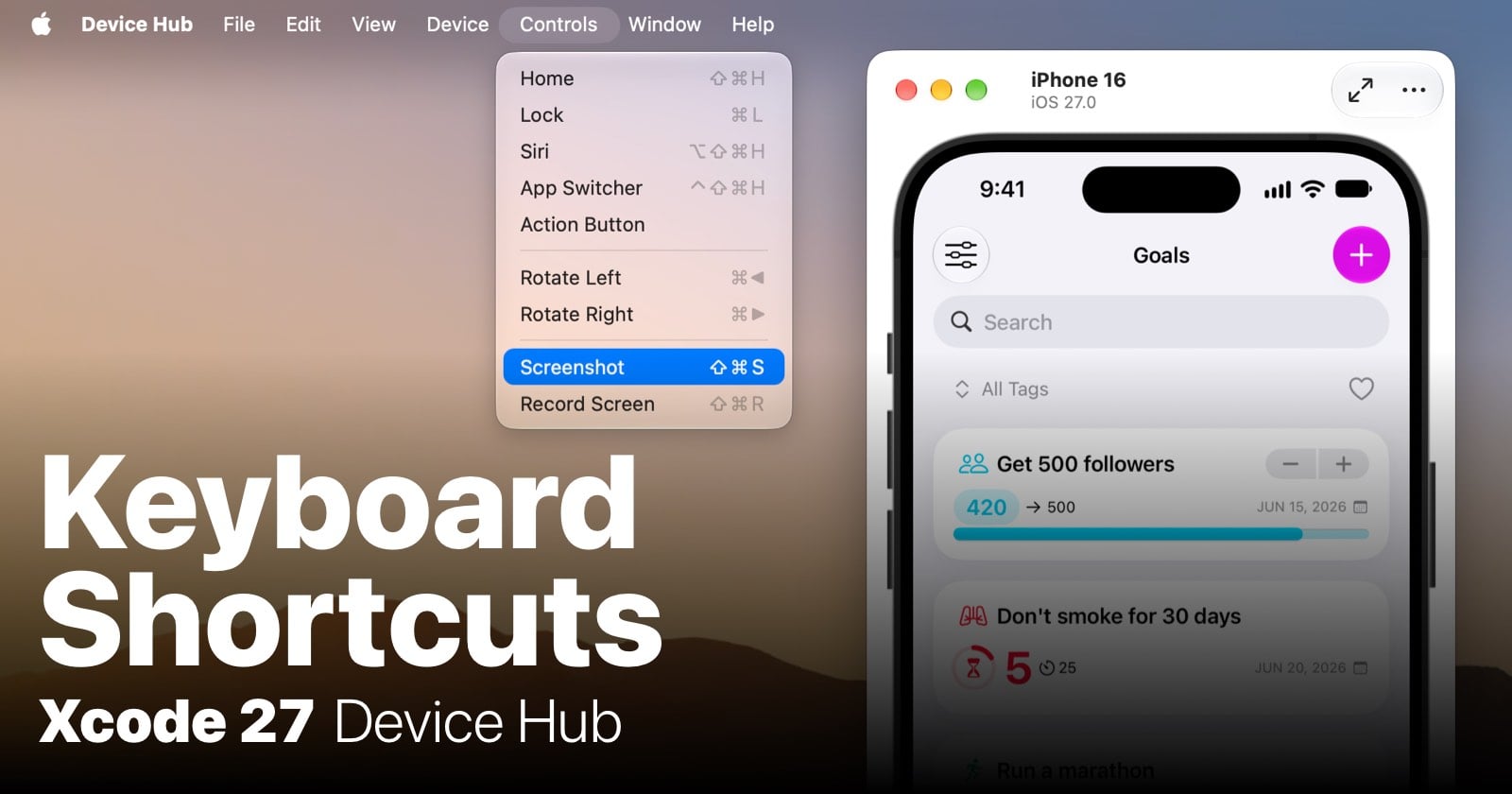
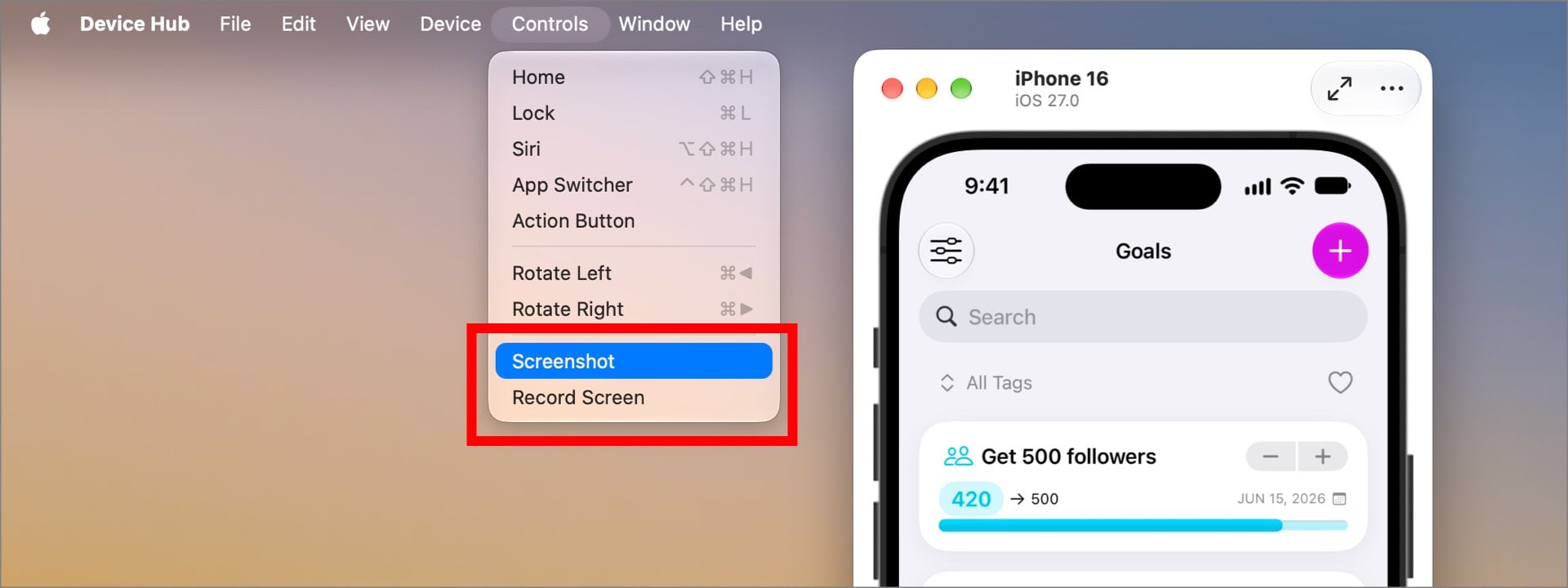
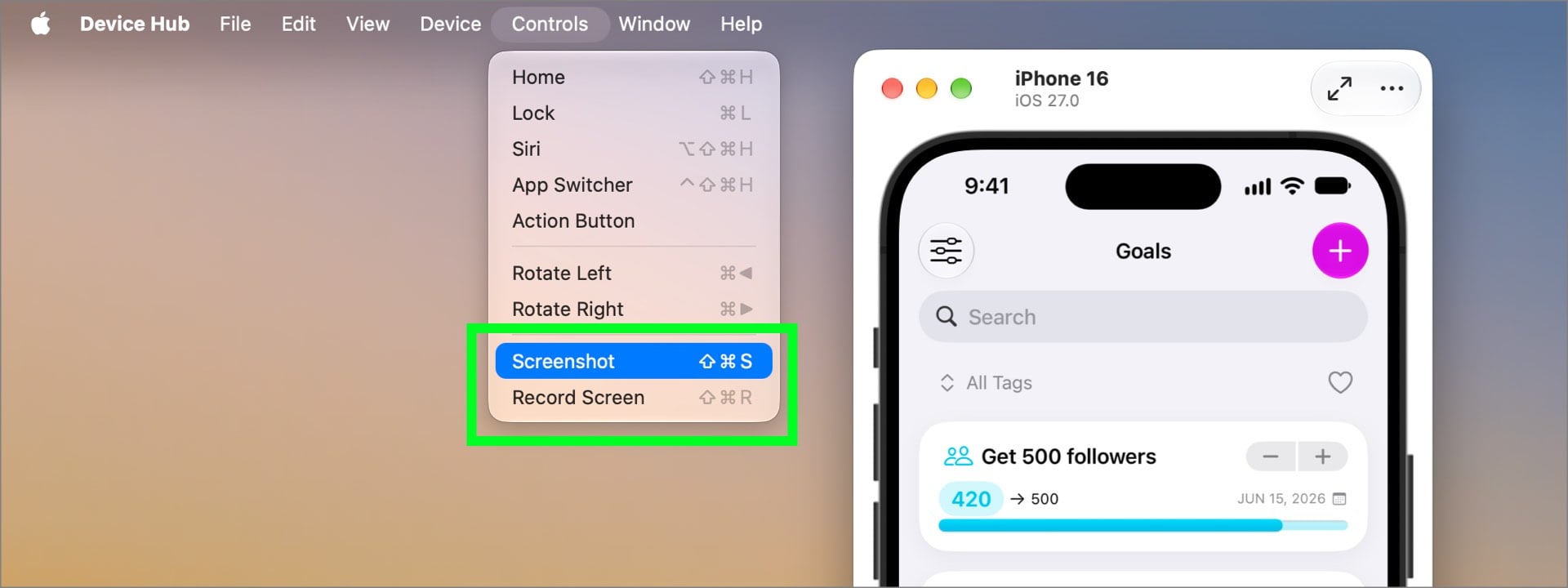
For some odd reason, Apple decided to disable keyboard shortcuts in Device Hub, their replacement for Xcode Simulator. Well, most shortcuts. I've been using many of Xcode Simulator's shortcuts very often while building and testing my apps - things like Toggle Appearance (to turn Dark Mode on/off), Zoom to Fit, Physical Size, and, most importantly, Screenshot and Record Screen (see image below).
Surprisingly, all the keyboard shortcuts work in the Expanded Mode of Device Hub!
I'm not sure what Apple officially calls this mode, but when you hover over the button for switching modes, it says either "Expand to view all controls" or "Switch to compact window", so I'll call them Compact Mode and Expanded Mode here.
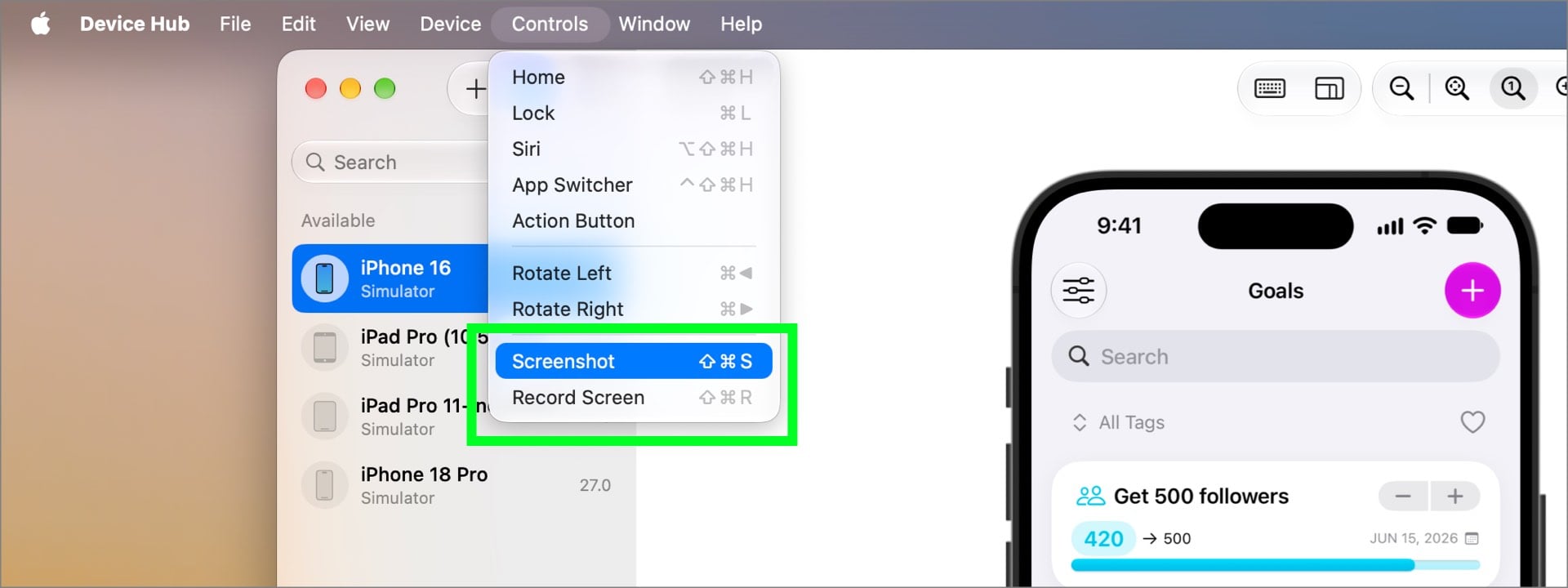
It seems a bit buggy, though. Sometimes shortcuts are not enabled even when I switch to Expanded Mode. Switching back to Compact Mode and then to Expanded Mode again solves this.
Thankfully, there is a better fix - I found a way to enable keyboard shortcuts in both modes! The solution is in the Xcode 27 Release Notes:
https://developer.apple.com/documentation/xcode-release-notes/xcode-27-release-notes
This part specifically:
Fixed: Added a preference to control whether key combos are sent to Device Hub or to the remote device.
defaults -container com.apple.dt.Devices write com.apple.dt.Devices hostKeybindingPolicy -int
Use these values to define a specific behavior:
0 - Device Hub uses rich key combo shortcuts.
1 - Minimized when interacting with device.
2 - Device Hub uses minimal key combo shortcuts. (178920247)
I don't find this note very obvious, but basically it means that we can use this command in Terminal with three different values (0, 1, or 2):
defaults -container com.apple.dt.Devices write com.apple.dt.Devices hostKeybindingPolicy -int 0
All keyboard shortcuts work in both Compact Mode and Expanded Mode.
defaults -container com.apple.dt.Devices write com.apple.dt.Devices hostKeybindingPolicy -int 1
All keyboard shortcuts work only in Expanded Mode.
defaults -container com.apple.dt.Devices write com.apple.dt.Devices hostKeybindingPolicy -int 2
Most keyboard shortcuts are disabled in both Compact Mode and Expanded Mode.
We can also run this command to check the current setting:
defaults -container com.apple.dt.Devices read com.apple.dt.Devices hostKeybindingPolicy
I set this new option to 0 and done! I can use keyboard shortcuts again in every mode in Device Hub.
Now I just hope Apple will add proper settings in Device Hub 27.1 where we can change these options in the UI, instead of making it a hidden, magical Terminal spell just to do something as basic as taking screenshots. 🫠
Thank you for reading!
If you want to support my work, please like, comment, or share the article. And most importantly...
📱Check out my apps on the App Store:
https://apps.apple.com/developer/next-planet/id1495155532
☕ If you like what I do, consider supporting me on Ko-fi! Every little bit means the world!
https://ko-fi.com/kslazinski
About the author
👨🏻💻 UX Designer, self-employed at NEXT PLANET - small design studio. 👨🏻💻 Indie iOS developer 📱 Creator of: Moons, Numi, Skoro, Wins and Emo. 🎸Guitarist at ZERO and Quadroom 🎨 MA in art 🌱 Vegan
Comments
Join the discussionYou can also modify this setting directly in Device Hub's Settings which was added in Xcode 27.2 Beta 1.
Thanks for letting me know. It's great that Apple finally added a proper UI for these settings.
Buried in a release note as "added a preference" when it's actually "fixed a regression nobody asked to have shipped", classic. Bookmarking the defaults command, thanks for digging through the notes so the rest of us don't have to.
You’re welcome ☺️
Got this:
Command line interface to a user's defaults.
Syntax:

'defaults' [-currentHost | -host <hostname>] followed by one of the following:
Do you have macOS 27 and Xcode 27 installed? Was this the whole output from Terminal? Which command did you run in Terminal?
Hi Kris, I'm still on macOS 26 on this work laptop because we need to keep submitting with Xcode 26 for the time being.
I do have Xcode 27 installed.
The command I ran in terminal was:
defaults -container com.apple.dt.Devices write com.apple.dt.Devices hostKeybindingPolicy -int 1
I tried running defaults write com.apple.dt.Devices hostKeybindingPolicy -int 1 but still the screenshot shortcut doesn't appear in the Controls menu of DeviceHub.
Regards Ben
Ben, you should use 0 not 1 to have shortcuts enabled in both modes.
I don’t know why did you see this message you posted earlier. Maybe because of macOS 26? Also, this command for changing settings should be posted as one thing. Formatted on blog it looks like separate lines of commands.
Also I heard from one person that they needed to grant full disk access to Terminal to make this work - but again the message you posted didn’t look like that’s the case.